


What Is Payroll Management Software and How Does It Work?
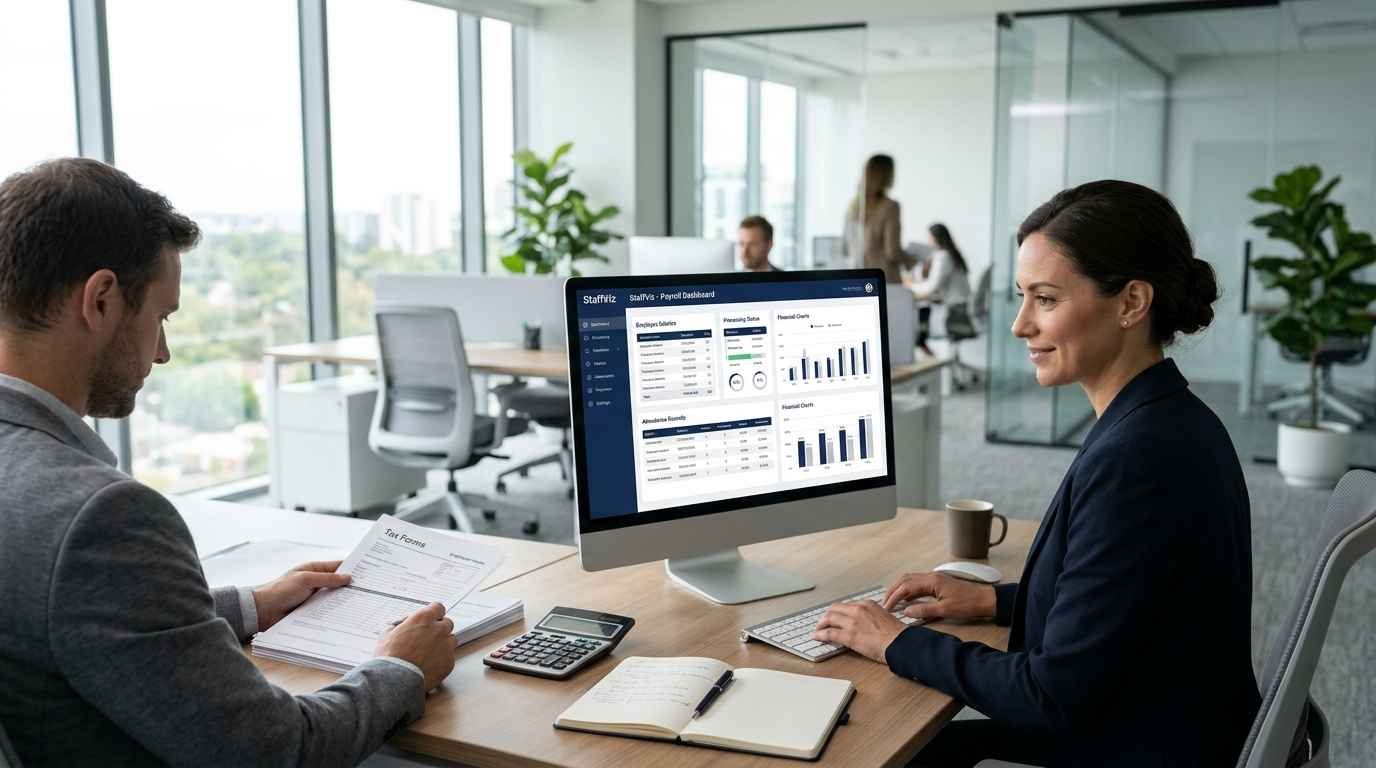
Paying employees accurately and on time is one of the most important responsibilities of any business. However, managing salaries, tracking working hours, calculating deductions, and maintaining payroll records can become complicated as a company grows. When these tasks rely on spreadsheets and manual calculations, even a small mistake can lead to incorrect payments, administrative delays, or employee frustration.
This is where payroll management software becomes valuable. It helps businesses organize payroll information, automate repetitive calculations, and establish a more consistent payment process. Instead of handling every payroll task manually, HR teams and business owners can use digital tools to simplify calculations and maintain organized records. Understanding how this software works can help organizations choose a solution that matches their workforce requirements and long term business goals.
What Is Payroll Management Software?
Payroll management software is a digital system designed to help businesses calculate employee wages, manage salary information, process payroll, and maintain payment records. Depending on the platform, it may also support tax calculations, deductions, overtime, bonuses, leave adjustments, and payroll reporting.
For example, a company with 40 employees might previously have calculated salaries using separate spreadsheets for attendance, overtime, and deductions. A payroll system can bring relevant information together, reducing repetitive data entry and making it easier to review employee payments before processing them.
The exact capabilities vary between providers. Some solutions focus primarily on salary calculations, while others connect payroll with attendance tracking, HR administration, and workforce management.
How Does Payroll Management Software Work?
1. Collecting Employee Information
The process begins with employee information, including salary rates, employment details, payment schedules, and applicable deductions. Businesses need accurate records because incorrect employee data can affect every subsequent payroll calculation.
When a new employee joins, HR staff can enter the required details into the system. Authorized users can then update information when salaries change, employees receive bonuses, or employment arrangements are modified.
2. Recording Working Hours and Attendance
Many payroll workflows depend on attendance information, overtime hours, and approved leave. When payroll tools integrate with time tracking systems, businesses can use recorded working hours to support accurate wage calculations.
Consider a company that pays hourly employees. If a worker completes 82 hours during a pay period, the payroll process needs reliable records of those hours and the applicable pay rate. An integrated system can reduce manual transfers between attendance spreadsheets and payroll records, although unusual entries and exceptions should still be reviewed.
3. Calculating Salaries and Deductions
After gathering the required information, the software applies configured pay rates, overtime rules, bonuses, and applicable deductions. Depending on the provider and location, it may also support tax calculations and statutory payroll requirements.
Businesses should verify that the software supports the relevant local regulations and pay policies. Automation improves consistency, but it does not eliminate the need for accurate employee information or proper configuration.
4. Reviewing and Processing Payments
Before finalizing payroll, authorized staff should review the results, investigate unusual amounts, and correct any errors. Once approved, payments can be made using the supported payment method or payroll integration.
The system can also maintain records of processed payroll, helping finance and HR teams answer employee questions and prepare internal reports.
Key Benefits of Payroll Processing Software
Using payroll processing software can reduce the administrative effort involved in recurring payroll tasks. Instead of repeatedly entering the same information, HR teams can work with centralized records and automated calculations. This can free up time for employee support, workforce planning, and other responsibilities.
Another advantage is improved recordkeeping. Organized payroll reports make it easier to review salary expenses, compare payroll periods, and investigate discrepancies. Businesses can also reduce avoidable mistakes by standardizing their processes and introducing approval steps before payments are finalized.
Security is equally important. Payroll information contains sensitive employee and financial data, so businesses should assess access permissions, authentication options, backup procedures, and data protection policies before choosing a provider.
Choosing Payroll Software for Small Businesses
Focus on Essential Features
For growing companies, payroll software for small businesses should be practical, easy to learn, and suitable for the organization's payroll requirements. Look for employee pay records, configurable pay schedules, deduction management, reporting, and attendance integration where needed.
A business with ten salaried employees may need a relatively straightforward system. A company with hourly workers, overtime, and multiple departments may require more advanced calculations and reporting capabilities.
Compare Costs and Integration Options
Subscription fees are only one part of the total investment. Consider setup costs, employee limits, additional integrations, customer support, and the time required to train staff. Check whether the software connects with your existing HR, accounting, and time tracking tools.
Before committing, test the platform using a realistic payroll scenario. Confirm that it can handle your pay schedules, display understandable reports, and support the review process your business requires.
Verify Compliance and Support
Payroll rules differ across jurisdictions and can change over time. Confirm which tax calculations, reporting requirements, and compliance features are supported in your location. Businesses should also understand how updates are handled and whether professional assistance is available when payroll issues arise.
Practical Tips for Implementing Payroll Software
Successful implementation starts with clean employee records and clearly defined payroll procedures. Review existing salary information, confirm employee classifications, and establish who can enter, approve, and modify payroll data.
Run a test payroll before switching completely from your existing process. Compare the new calculations against verified records and investigate discrepancies before issuing payments. After launch, review payroll reports regularly and provide employees with clear instructions for submitting corrections or reporting payment concerns.
Conclusion
Payroll management becomes easier when businesses combine accurate employee records, reliable attendance information, consistent review procedures, and appropriate automation. The right payroll management software can reduce repetitive work, support accurate salary calculations, and help HR teams maintain better financial records.
Businesses exploring broader workforce solutions can visit StaffViz to learn about employee management, productivity monitoring, and related workforce tools. Depending on your operational needs, employee training management software may also help organize employee development activities. Evaluate the available features carefully and choose technology that supports your payroll processes while allowing your business to grow efficiently.
Frequently Asked Questions
1. What is payroll management software used for?
Payroll management software helps businesses calculate employee pay, manage deductions, organize payroll records, and prepare payment reports. Some platforms also support attendance tracking and tax related calculations.
2. How does payroll management software calculate employee salaries?
It uses configured salary rates, recorded working hours, overtime, bonuses, and applicable deductions to calculate employee pay. Accurate results depend on correct data, appropriate settings, and compliance with local requirements.
3. Is payroll software suitable for small businesses?
Yes. Payroll software can help small businesses reduce manual calculations, organize employee payment records, and establish a consistent payroll process without requiring a large HR department.
4. What is the difference between payroll software and payroll processing software?
The terms are often used interchangeably. Payroll processing software specifically emphasizes calculating and processing employee payments, while broader payroll platforms may also provide reporting, employee records, and integrations.
5. Can payroll management software track employee attendance?
Some systems include attendance features, while others connect with separate time tracking or workforce management platforms. Businesses should verify the available features and integration requirements before purchasing.
6. How can payroll management software reduce payroll errors?
It can standardize calculations, reuse stored employee information, and reduce repetitive data entry. Reviewing employee records and checking payroll results remain important for preventing mistakes.
7. What features should I look for in payroll software for small businesses?
Prioritize salary calculations, deduction management, payroll reporting, secure employee records, appropriate compliance support, and integrations with attendance or accounting tools where necessary.
8. Is cloud based payroll management software secure?
Security depends on the provider and its safeguards. Review authentication, access permissions, encryption practices, backup policies, and data handling procedures before storing sensitive payroll information online.
