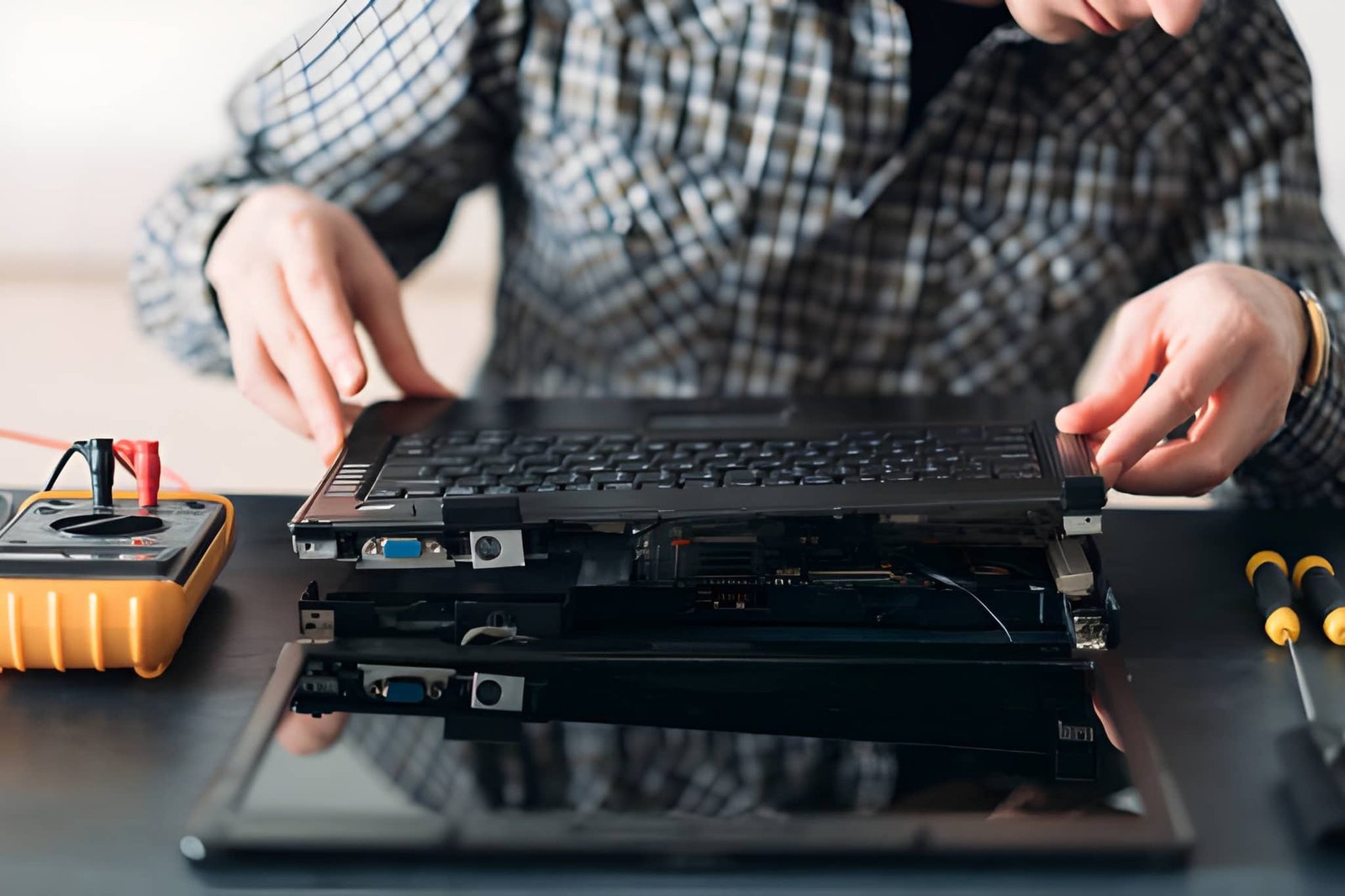
A used laptop can be an excellent investment for students, professionals, freelancers, and anyone looking to reduce technology costs. Many used laptops deliver reliable performance at a much lower price than brand-new models. However, not every used laptop is worth buying. Hidden faults, outdated hardware, and poor maintenance can lead to unexpected repair costs and disappointing performance.
Understanding the most common problems before making a purchase helps you choose a reliable device that offers genuine value for your money. Taking time to inspect the laptop carefully can save both time and expense in the future.
Worn-Out Battery
Battery health is one of the first things to check when buying a used laptop. All laptop batteries lose capacity over time, and an older battery may only last a short period before needing to be recharged.
Warning signs include:
- Very short battery life
- Slow charging
- Unexpected shutdowns
- Battery warning messages
- Swollen battery casing
If possible, ask for the battery health report or test how long the laptop operates without being plugged in. Replacing a battery may increase the overall cost of the purchase.
Slow or Outdated Processor
Older processors may struggle to handle modern software and multitasking. Although the laptop may still turn on and function, outdated hardware can significantly reduce productivity.
Before buying, check:
- Processor generation
- Number of cores
- Clock speed
- Compatibility with current operating systems
Modern Intel Core i5, Intel Core i7, AMD Ryzen 5, and AMD Ryzen 7 processors generally provide much better long-term performance.
Insufficient RAM
Random Access Memory (RAM) directly affects how smoothly the laptop runs multiple applications. Many older laptops come with only 4GB of RAM, which may not be enough for today's workloads.
Low RAM often causes:
- Slow performance
- Frequent freezing
- Delayed application loading
- Poor multitasking
For most users, 8GB is considered the minimum, while 16GB provides a better experience for professional work.
Hard Drive Instead of SSD
Many older laptops still use traditional hard disk drives (HDDs), which are much slower than modern solid-state drives (SSDs).
A laptop with an HDD may experience:
- Slow startup times
- Delayed software loading
- Longer file transfers
- Reduced system responsiveness
Choosing a laptop with an SSD improves overall speed and delivers a much smoother user experience.
Display Problems
The display is one of the most expensive laptop components to replace. Carefully inspect the screen before making a purchase.
Look for:
- Dead pixels
- Screen flickering
- Bright spots
- Dark patches
- Cracks
- Discolouration
- Uneven brightness
Also check the screen hinges to ensure they open and close smoothly without excessive movement.
Keyboard and Touchpad Issues
A damaged keyboard or faulty touchpad can make everyday work frustrating.
Test every key individually and confirm that:
- All keys respond correctly.
- The touchpad tracks smoothly.
- Left and right buttons function properly.
- Multi-touch gestures work correctly.
Replacing laptop keyboards can sometimes be expensive, particularly on premium models.
Faulty Ports and Connectivity
Modern users depend on USB ports, HDMI outputs, Bluetooth, Wi-Fi, and audio connections. Test every available port before purchasing.
Check:
- USB ports
- USB-C ports
- HDMI output
- Headphone jack
- SD card reader
- Ethernet port
- Bluetooth connection
- Wireless internet performance
Faulty ports may require expensive motherboard repairs.
Signs of Physical Damage
Cosmetic scratches are usually harmless, but structural damage may indicate previous accidents or poor handling.
Inspect the laptop for:
- Cracked casing
- Loose hinges
- Bent frame
- Missing screws
- Water damage
- Excessive dents
Physical damage can sometimes affect internal components even if the laptop appears to function normally.
Overheating Problems
Overheating reduces performance and may shorten the lifespan of the laptop.
Common signs include:
- Loud cooling fans
- Excessive heat underneath the laptop
- Unexpected shutdowns
- Reduced performance during use
Dust buildup or worn cooling systems often contribute to overheating. Ask whether the laptop has been professionally cleaned or serviced.
Software and Operating System Issues
Always confirm that the laptop includes a genuine operating system and functions correctly.
Verify:
- Operating system activation
- Latest software updates
- Driver installation
- No malware or unnecessary software
- Proper system recovery options
A clean installation of the operating system is often recommended after purchase.
Missing Warranty or Return Policy
Buying from a seller who offers no warranty increases the risk of unexpected repair costs.
Whenever possible, choose sellers who provide:
- Warranty coverage
- Return period
- Technical support
- Inspection reports
- Testing certification
These protections offer greater confidence when purchasing a used laptop.
Compare Before You Buy
Do not purchase the first laptop you find. Compare several options based on:
- Processor
- RAM
- Storage
- Battery health
- Screen quality
- Warranty
- Price
- Overall condition
Comparing multiple devices helps you identify the best value within your budget.
Make an Informed Buying Decision
Buying a used laptop can be a smart and cost-effective choice when you know what to look for. Carefully checking the battery, processor, RAM, storage, display, keyboard, ports, and overall condition helps you avoid expensive surprises after purchase.
Taking time to research the laptop, compare different models, and buy from a trusted seller will greatly increase your chances of finding a reliable device. With the right approach, a quality used laptop can provide years of dependable performance while helping you save money compared to buying new.